Menavo
QR table ordering for cafés and restaurants
Give every table its own QR menu. Guests order from their phones and pay at your existing till. Your kitchen, coffee station, and front desk can follow each order from preparation to handoff.
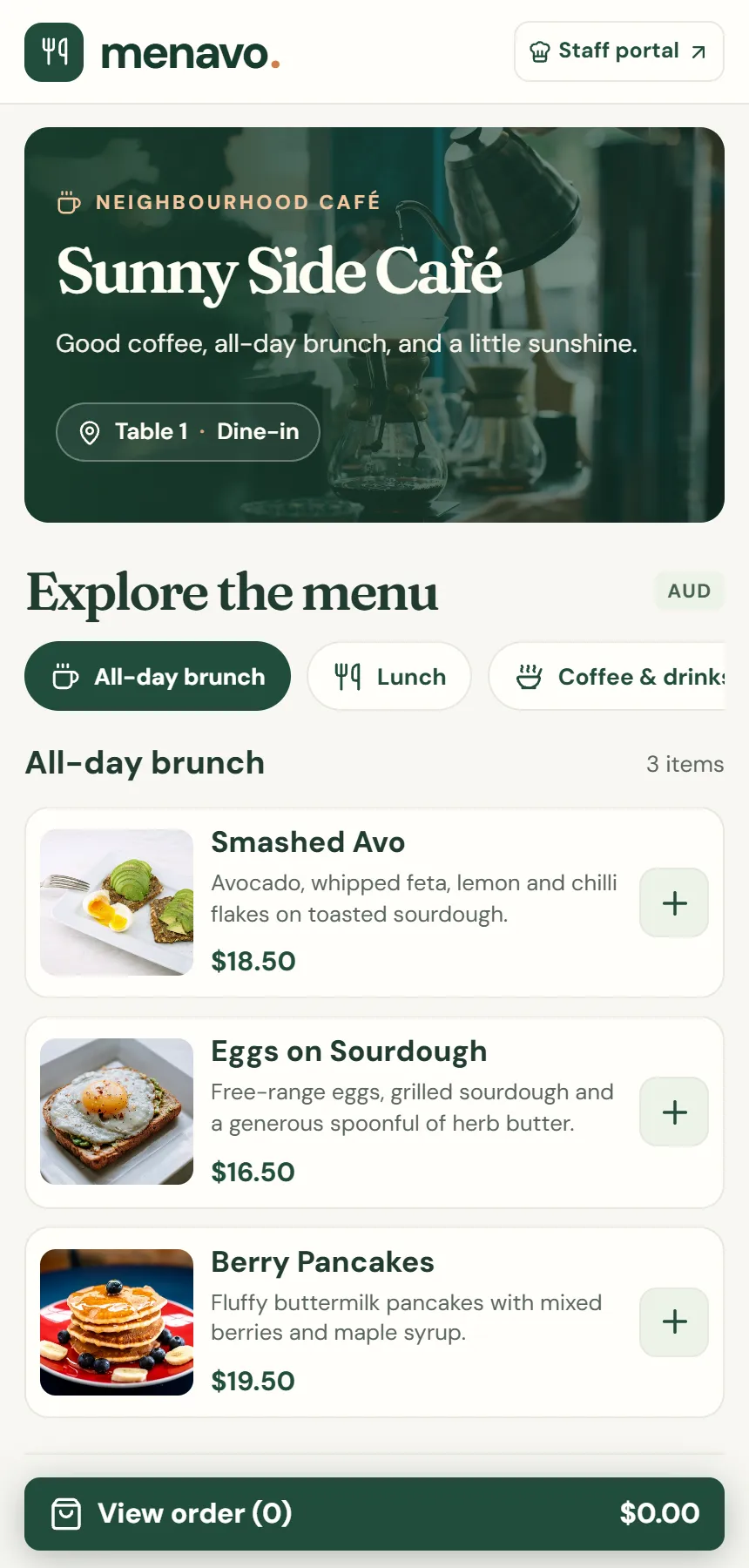
How dine-in ordering works
Guests scan and order
They open their table’s menu, choose items and extras, and place an order from their phone. They can follow its progress from the receipt.
Staff prepare each item
Kitchen and coffee staff see the items for their station. The front desk can handle changes and complete ready orders at handoff.
Guests pay at the counter
The venue takes payment on its existing till.
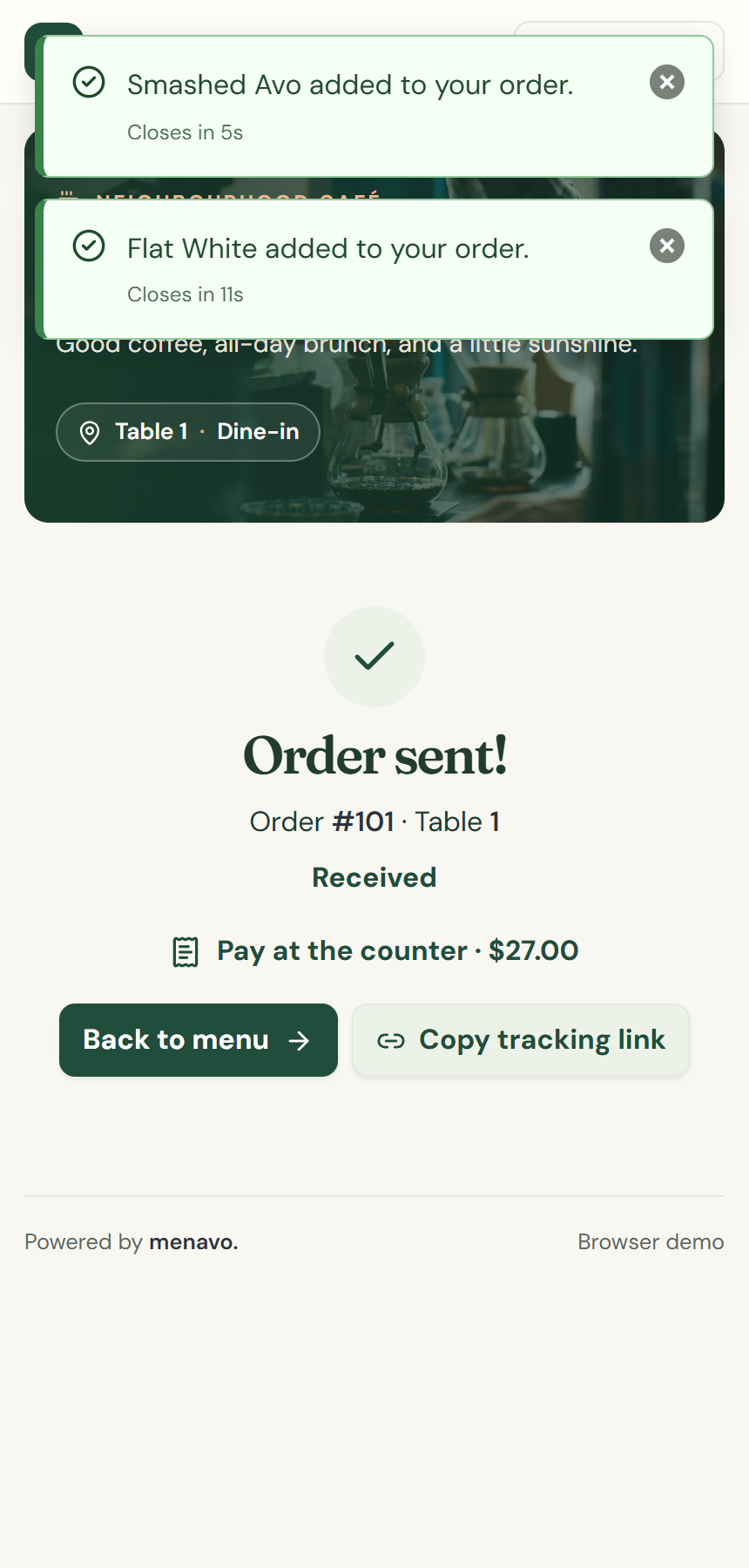
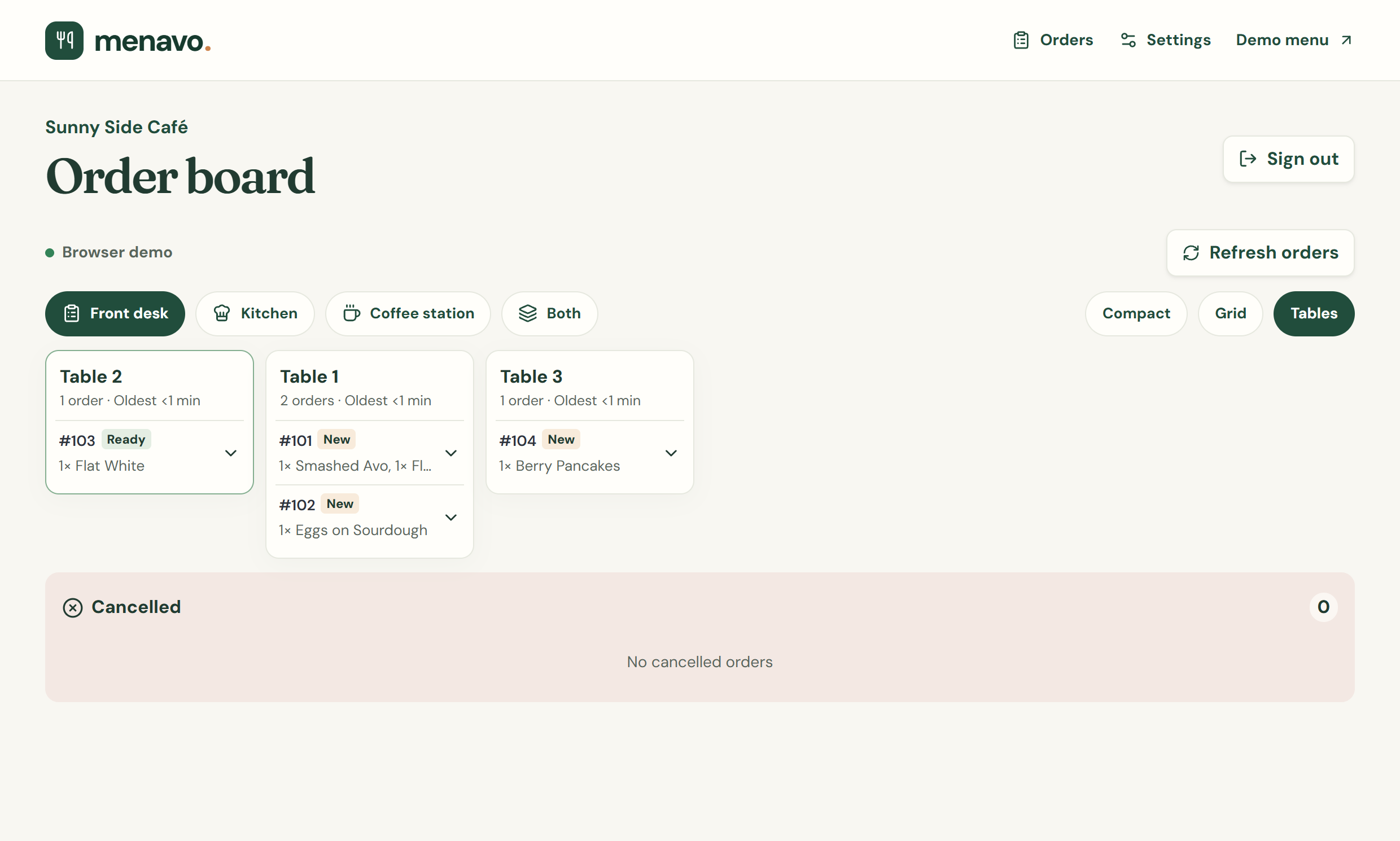
To see an order arrive, open the demo menu and order board in the same browser profile. Select Enter demo workspace on the board, then place an order from the menu. The demo uses sample data stored in your browser.
Open the demo order boardSet up and manage dine-in ordering
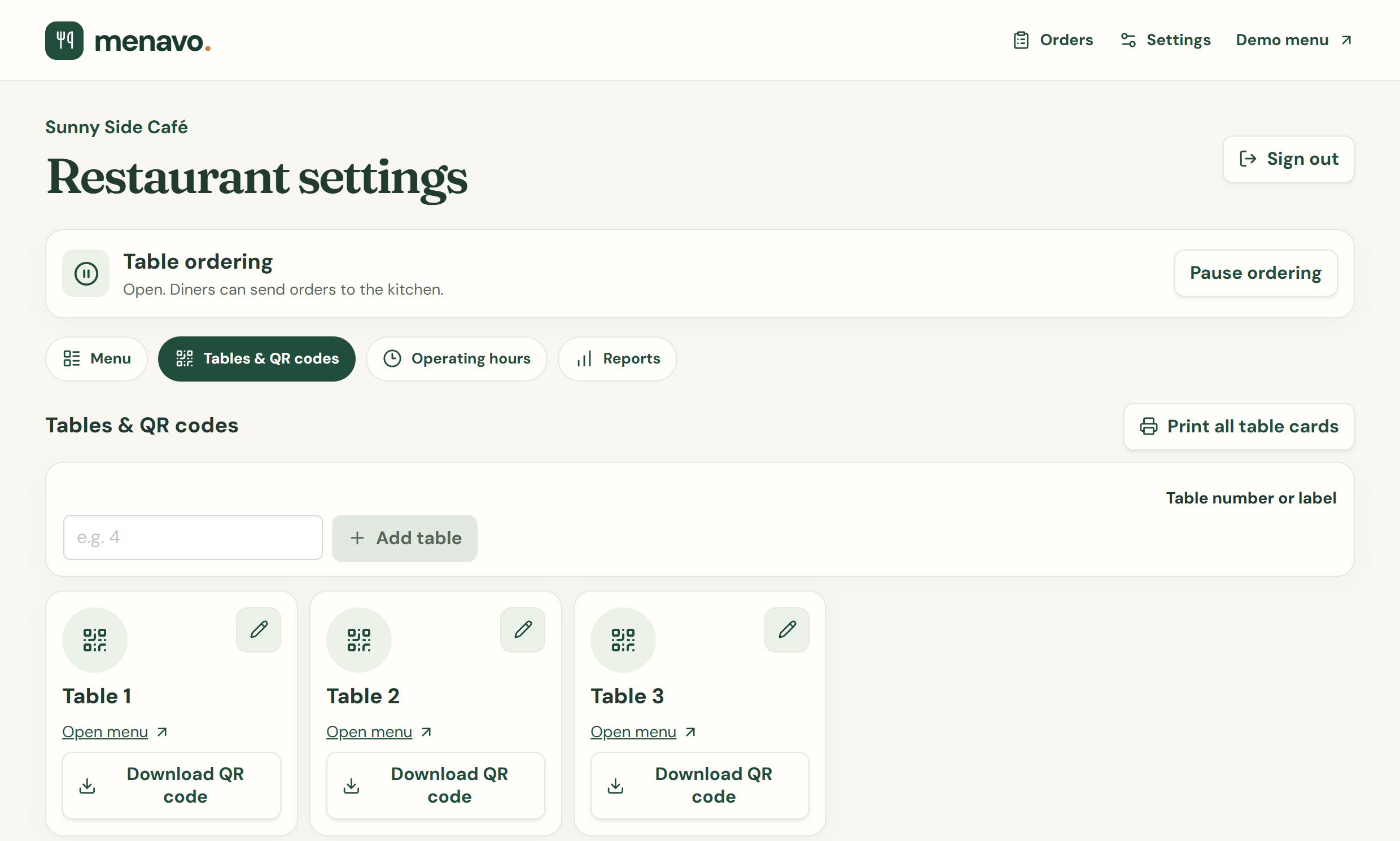
- Table QR cards for dine-in ordering, with print-ready cards for the whole venue.
- Menu controls for CSV import, modifiers, sold-out items, and operating hours with a last-order cutoff.
- Three order board layouts with a stage board, a three-column grid, and a view grouped by table.
- Daily order summaries with quantities, order totals, and cancellations. Payment reconciliation takes place at the till.
Menavo pricing
A$29 + GST per venue per month
Month to month, with no Menavo per-order fee. Guests pay at your existing till.